
qBittorrent
qBittorrent is a free, open-source BitTorrent client with no ads. Version 5.2.3 is the current Windows release.
Windows
Open source

7.11.0 Build 47225 · BitTorrent Inc · Page updated
BitTorrent is a peer-to-peer client for downloading and sharing files over the BitTorrent protocol. This page covers version 7.11.0 Build 47225 for Windows.
Average 0.0 · ratings: 0
Thank you! Your rating is saved; you can change it. Could not save the rating. Please try again later. Too many ratings from your network today. Please try again tomorrow. The average appears after 5 ratings.
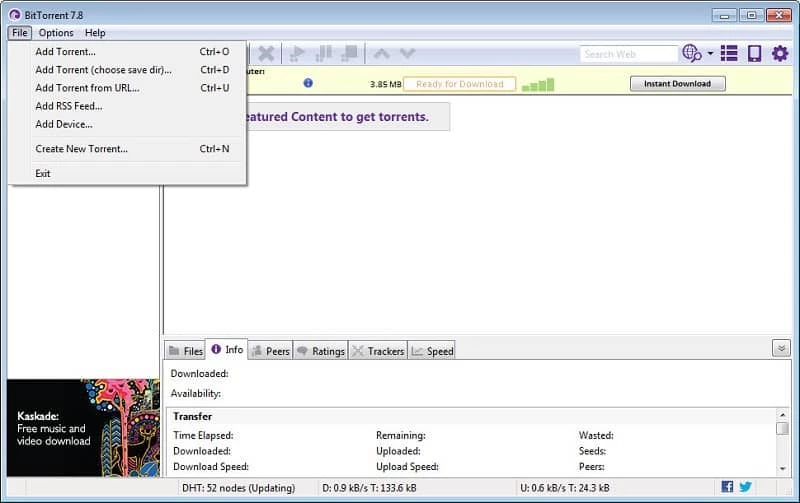
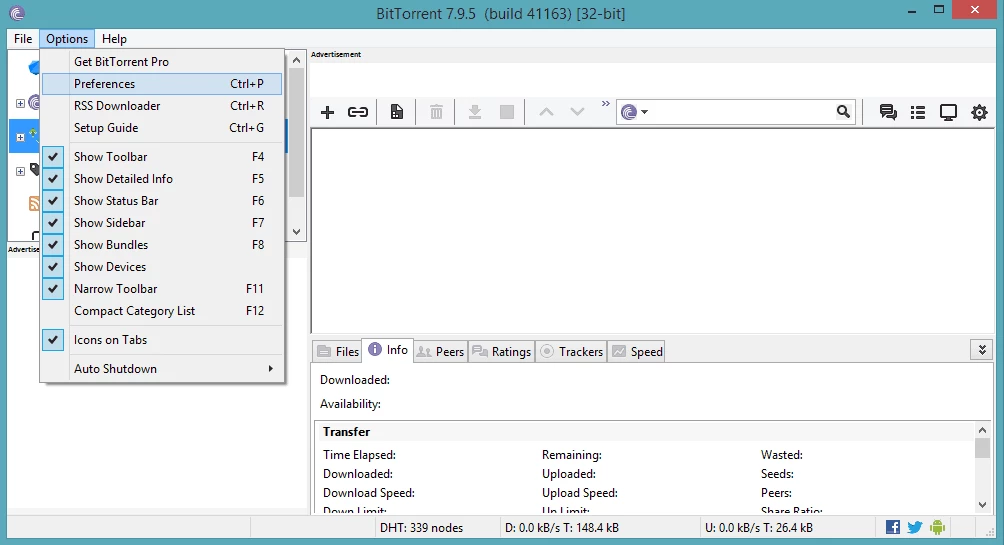
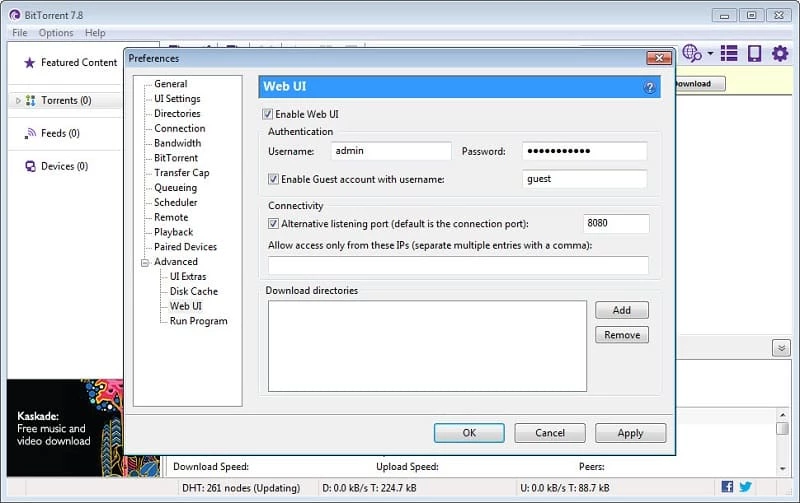
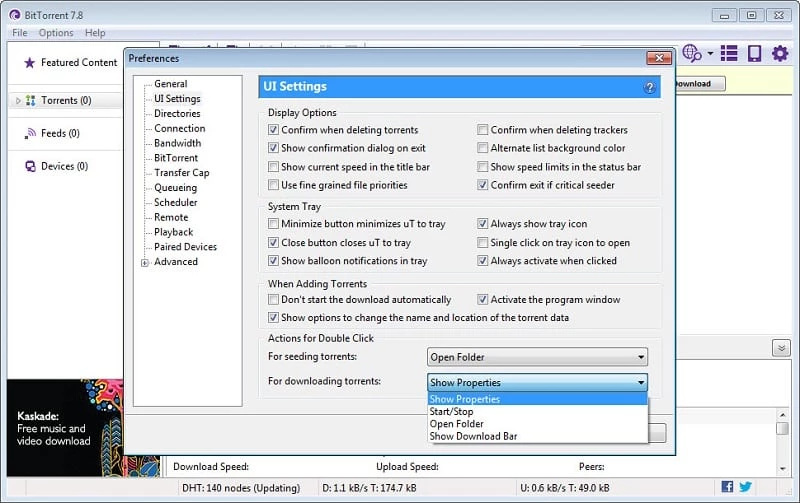
BitTorrent 7.11.0 Build 47225 for Windows is the classic desktop client from BitTorrent Inc for downloading and sharing files over the BitTorrent protocol. You can download it from bittorrent.com; the answers below cover how it works, what the free version includes and how to install it without surprises.
The name stands for two things. BitTorrent is a peer-to-peer protocol created by Bram Cohen in 2001, in which people who download a file also upload pieces of it to others, so large files spread quickly without one central server. BitTorrent is also the official client program, now developed by Rainberry, Inc., the company formerly known as BitTorrent Inc. The Windows client opens torrent files and magnet links, fetches the data from many peers at once and keeps sharing it after the download finishes, which is called seeding. You can pause and resume transfers, set speed limits and choose which files inside a torrent to download. The program is small and quick to install, and its window follows the classic torrent-client layout of a list with progress bars and a details pane. It is written in C++ and Python and runs on Windows, with a separate app for Android.
The basic client is free, but it is ad-supported: Wikidata classes it as adware and shareware. The free version shows advertising, and paid editions remove the ads and add extra features. Many users are happy with the free version once they know what to expect.
About 3.7 MB according to catalogue data, so installation takes seconds.
The official client is legitimate software, but torrents themselves can carry malware disguised as films, games or programs. Scan downloaded files, avoid executable files from unknown uploaders and keep your antivirus active. Watch the installer for bundled offers.
The technology is legal and widely used for open-source software, game updates and public-domain media. Sharing copyrighted content without permission is not, and in many countries rights holders track torrent traffic. Download only what you have the right to use.
Other torrent clients in our listings: qBittorrent, a free open-source client without ads; uTorrent; Deluge and BitComet. On Android, BitTorrent is available on Google Play.
qBittorrent is a free, open-source BitTorrent client with no ads. Version 5.2.3 is the current Windows release.

SHAREit is a free Windows app from the SHAREit Team for moving photos, videos and documents between a PC and a phone. The current version is 5.1.0.7.

Zapya for Windows is a free file transfer app from DewMobile for moving files between a PC and phones over a local wireless connection.

Easy Connection to Screen is Samsung's Windows app for showing a PC's screen on a compatible Samsung TV over a wireless connection.

Internet Download Manager (IDM) is a shareware download manager for Windows from Tonec that accelerates, resumes and schedules downloads.

uTorrent (μTorrent) is a small BitTorrent client for Windows from Rainberry (BitTorrent Inc) for downloading and sharing files over torrents.

AnyDesk is a remote desktop application for connecting to and controlling another computer over the internet, from a small Windows program.

ShareMe is Xiaomi's free app for sending files between devices without a cable; on Windows the Android app runs only inside an emulator.

Xender is a free file sharing app from the Xender File Sharing Team for sending files between phones and computers over a local connection.